Site Analysis & Selection
Giraffe gives you the spatial intelligence to make confident property decisions without the GIS overhead.

PropCode's rapid planning answers are now integrated into the Giraffe building design and feasibility platform.
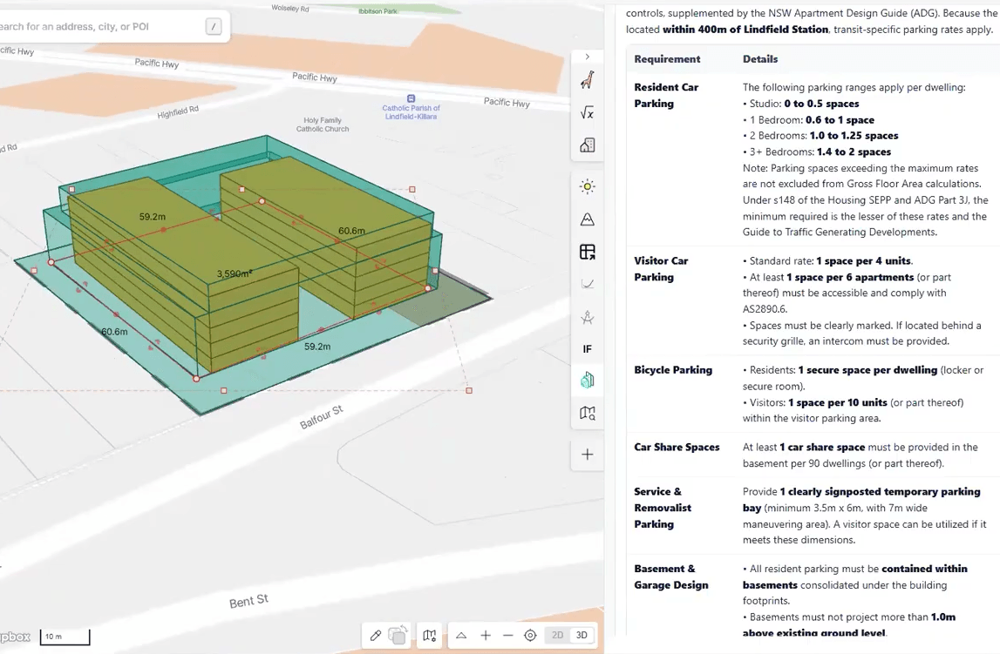
The Giraffe platform
Your core real estate operating system, built for developers, planners, designers, and analysts who want to move fast:
Giraffe gives you the spatial intelligence to make confident property decisions without the GIS overhead.
Giraffe turns manual concept work into computational design tools that generate, test, and optimise site layouts in minutes.
Giraffe integrates cost modelling, revenue assumptions, capital structure, planning controls, and site geometry into a single evaluative system.
Giraffe provides the Spatial Data Infrastructure that unifies your proprietary assets with global datasets into a single source of truth.
Getting started
It's easy to get detailed planning analysis to inform concept design in Giraffe.
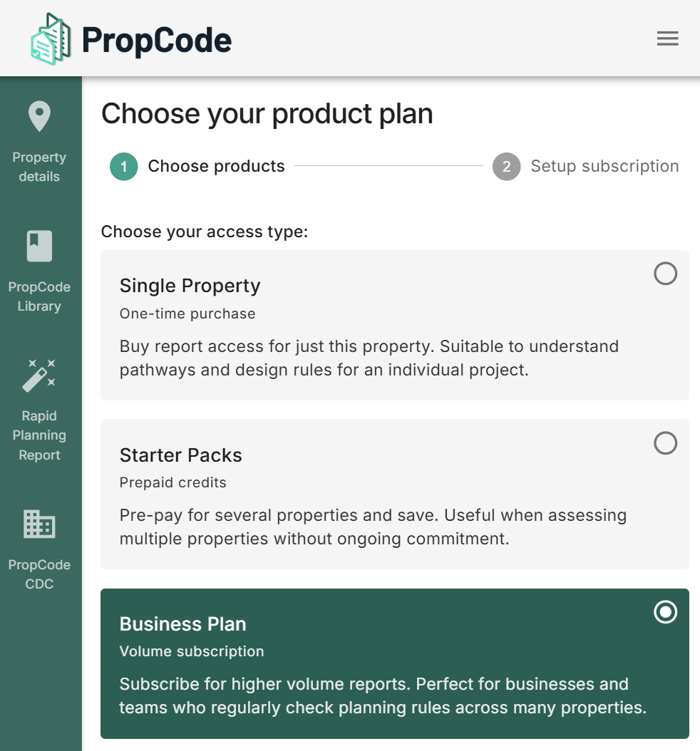
To use PropCode within Giraffe, you'll need a PropCode subscription or paid reports. All of your unlocked properties and reports will be viewable both in Giraffe and the PropCode website.
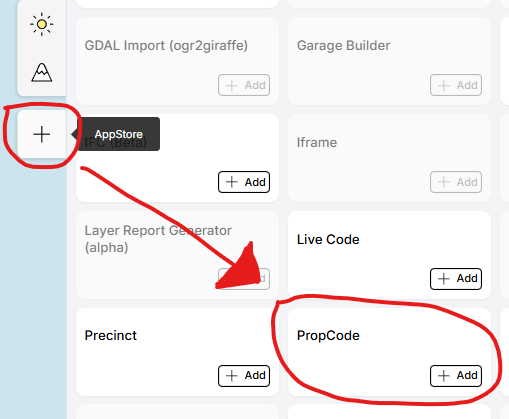
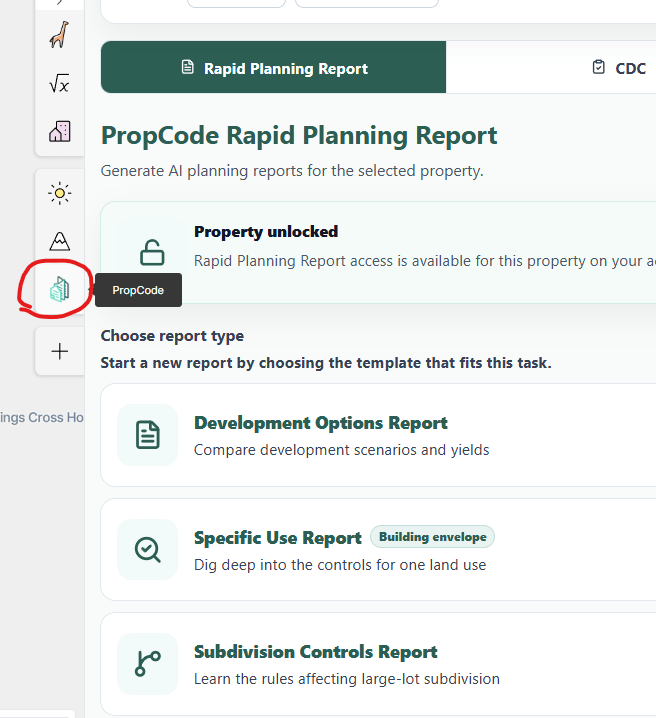
Start a SubscriptionIn Giraffe, click the '+' button on the right side for the AppStore and add PropCode. This adds it to the current project. Click the PropCode icon, then login to PropCode.
You can unlock properties for PropCode either by: 1) spending PropCode plan or pack credits directly in Giraffe; OR 2) purchasing single properties through the PropCode website.
PropCode Rapid Planning Report is the main way to get answers for a property. Generate a Specific Use Report to see the 3D envelope of height and setbacks. (PropCode CDC covers only the CDC pathway in NSW.)
Let us show how to accelerate your property research with PropCode in Giraffe.